Pretty STL Viewer Desktop
A downloadable tool for Windows, macOS, and Linux
The Best Viewer for STL Files
Limited Online Version: app.pretty-stl-viewer.com
Non Commercial version: See personal edition
Immerse yourself in a seamless 3D viewing experience. Effortlessly navigate, rotate, and zoom your models with intuitive touch gestures, thanks to a beautifully designed user interface.
✔ Commercial use allowed.
Features
High-Fidelity Physically Based Rendering
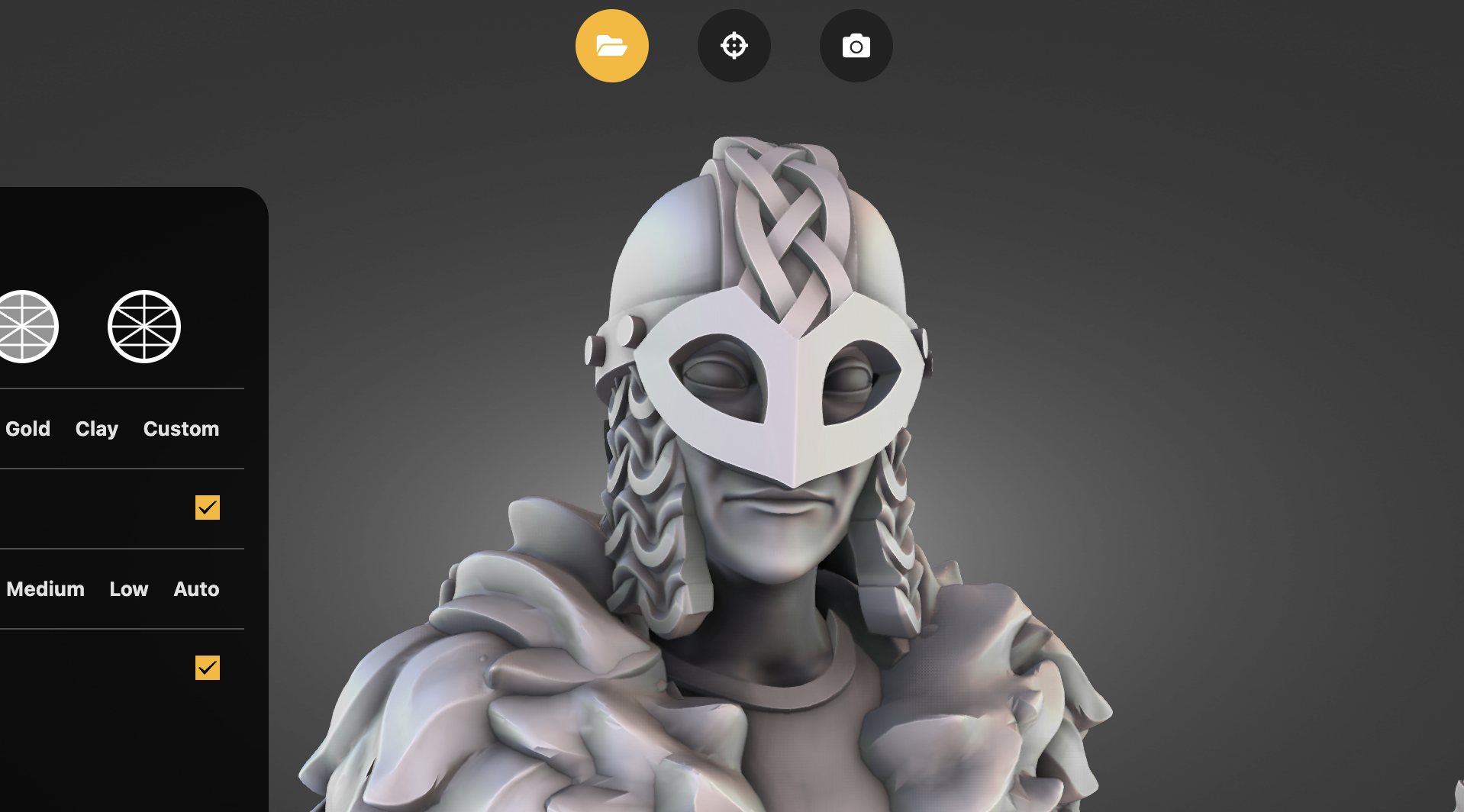
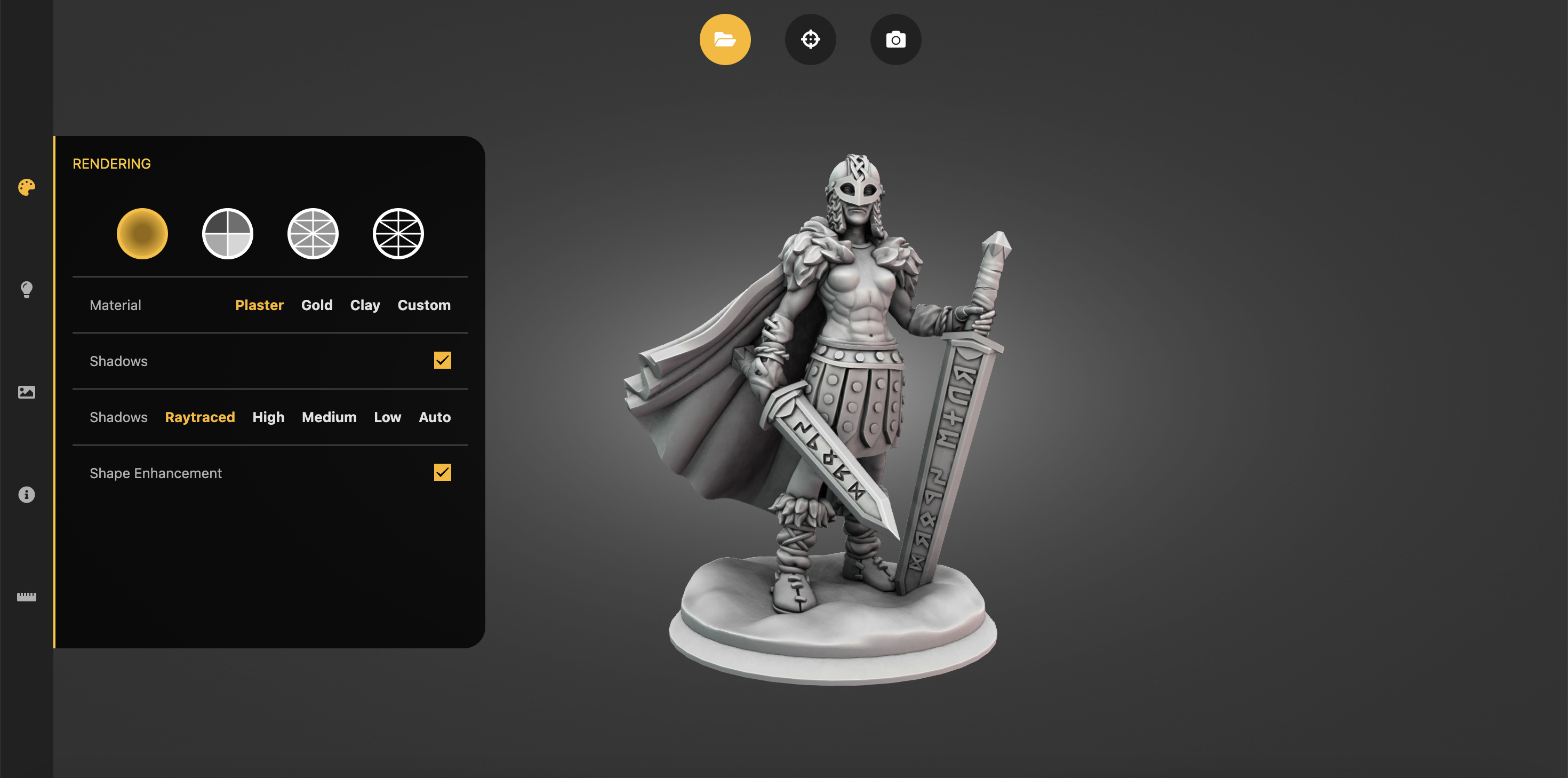
Experience jaw-dropping visuals with screen-space or raytraced shadows rendering. Pretty will automatically compute the best rendering parameters for your triangle mesh !
3D Mesh Metrics
Pretty will automatically compute metrics for your STL mesh: number of vertices and triangles, volume and size. All you need to consider 3D printing you asset !
Mesurement
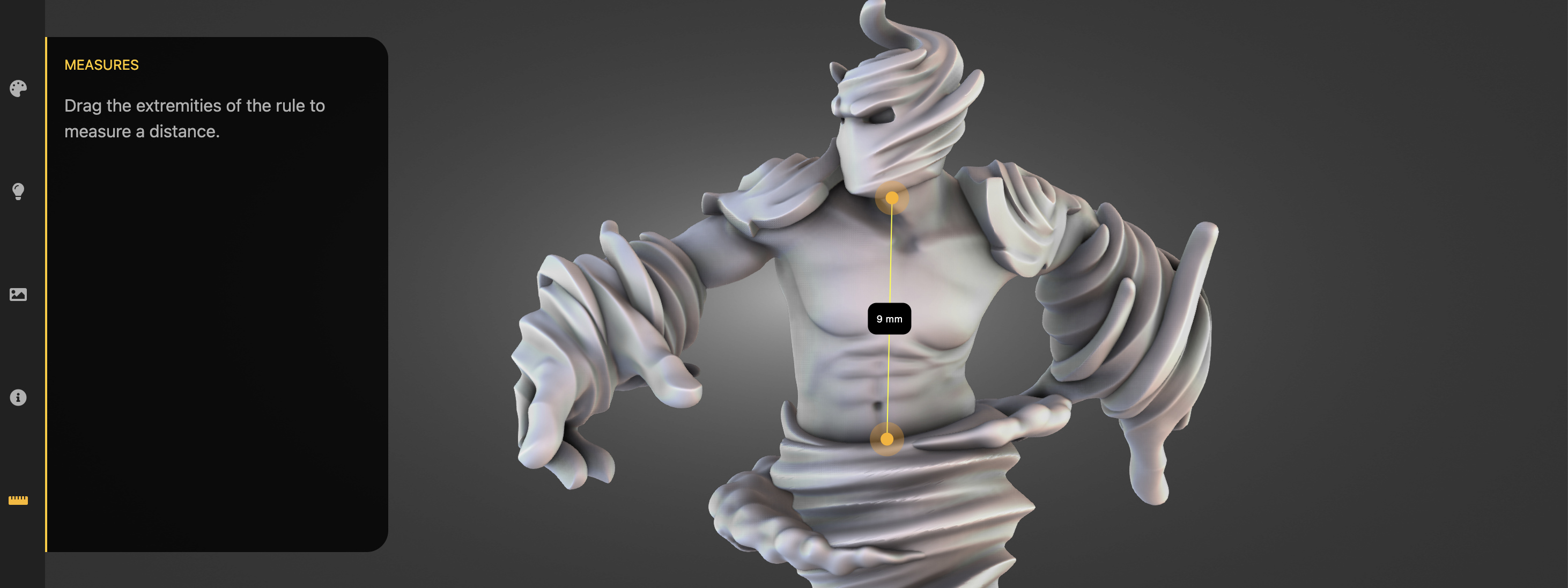
Use the camera facing ruler to mesure any part of your model as you would do in real life !
Independant Shell Visualization
Pretty will split your model in connected parts. Use this insight to inspect your model structure and check on self-intersections !
Multiple Viewing Modes
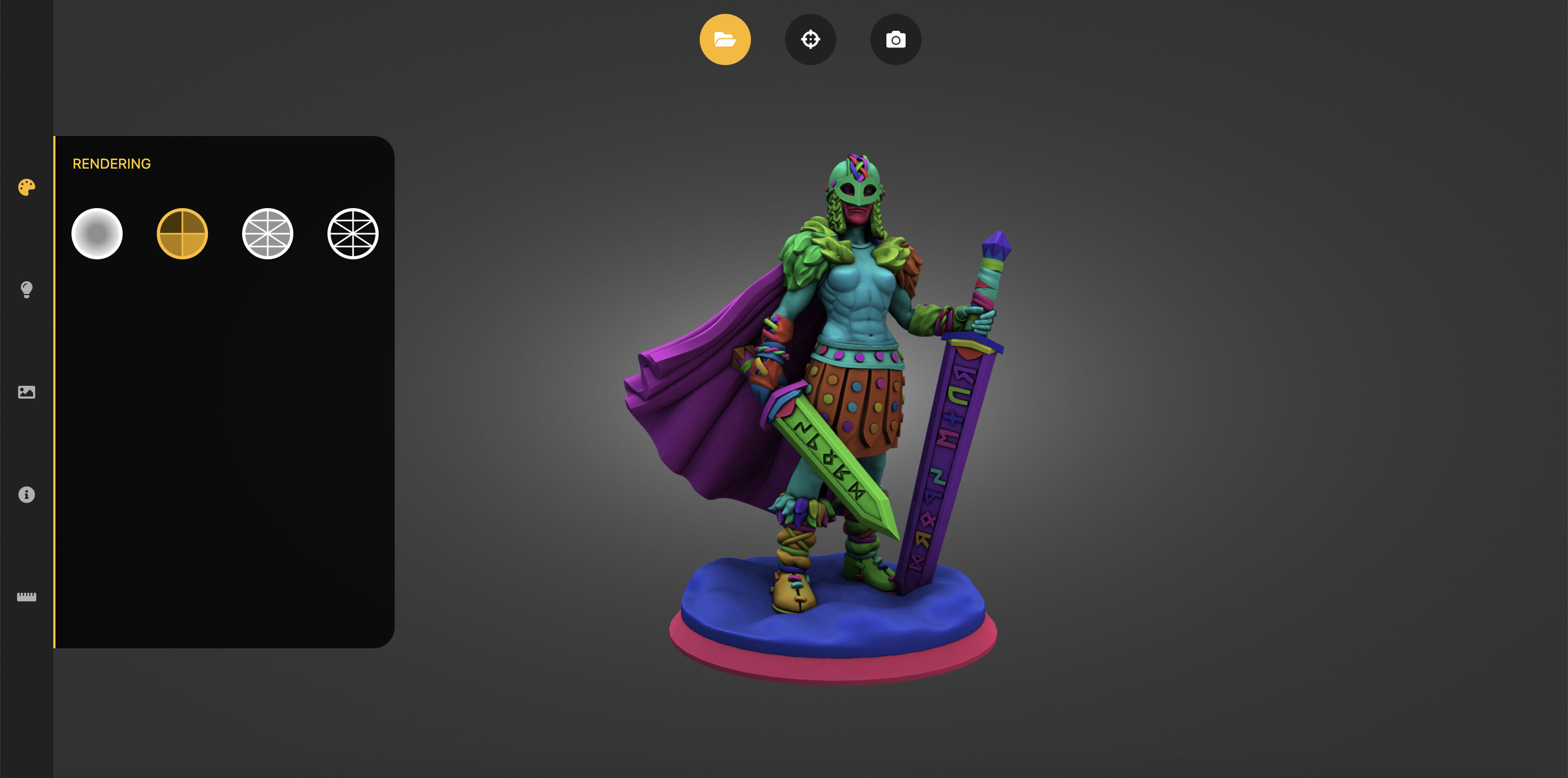
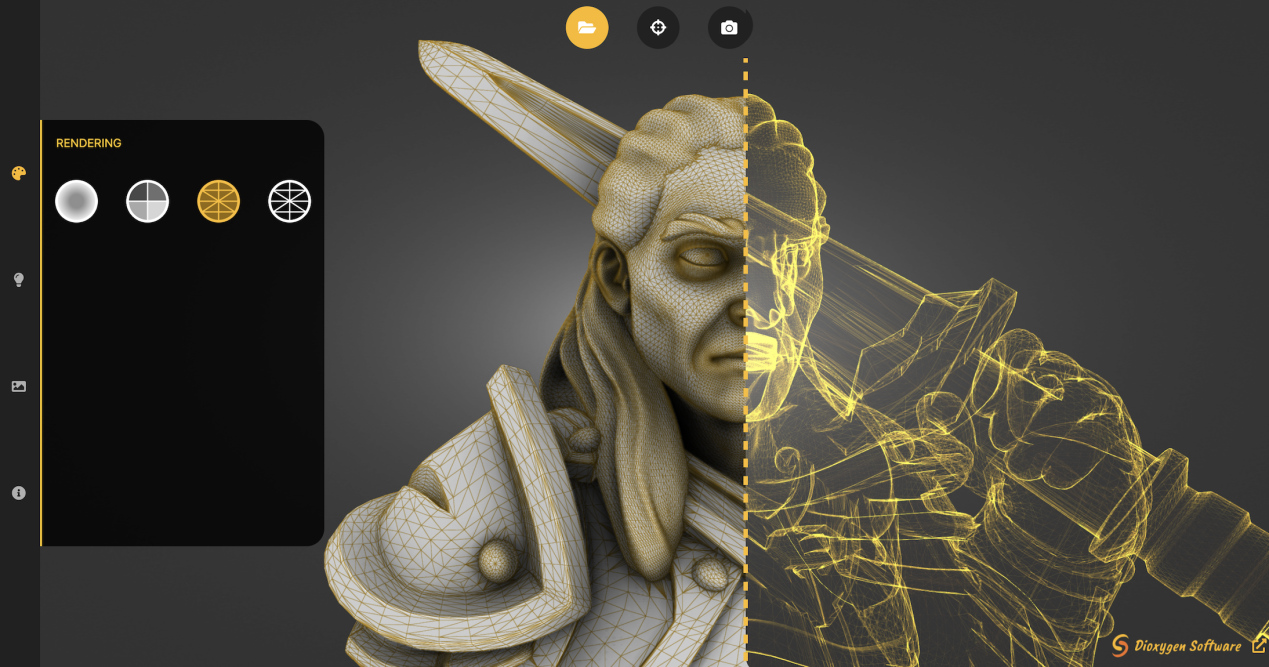
Switch between various viewing modes to suit your needs. Explore your models in wireframe, solid, or blueprint modes, offering different perspectives and enhancing your appreciation for the aesthetic qualities of your designs.
Screenshot and Share
Capture the beauty of your 3D models effortlessly with the built-in screenshot feature. Choose colore or transparent background and share your visuals with clients, colleagues, or friends, fostering seamless collaboration and inspiration.
Purchase
In order to download this tool you must purchase it at or above the minimum price of $59.90 USD. You will get access to the following files:
Development log
- Bug fix : save screenshot55 days ago
- Full Control Update – Shadows, Screenshots & Shareable Camera ViewsJan 12, 2026
- MacOSDec 18, 2025
- BugFixDec 16, 2025
- Drag&Drop & PresetsDec 15, 2025
- Background colorNov 13, 2025
- Color Picker & Smarter Screenshot NamesSep 26, 2025
Comments
Log in with itch.io to leave a comment.
any chance of view box controls? and orthographic views and rotation controls?
Hello,
Thanks for your feedback. We will add that to the features for addition in a future version.
Currently the viewer will switch to orthographic view only on "Mesures" mode.
New update is great, but now the screenshot file location icon that used to be in the top right corner isnt there, please bring it back or allow an setting to choose screenshot folder. Cheers!
Hello, thanks for the report. It's a bug on windows, we will fix it soon.
The next version of the app will behave like most desktop app: a click on save will open a save as window to choose location, with a default location set to your previous choice.
Sorry for the disturbance.
Great to hear!
This is fantastic. so simple to use. A feature where the model rotates on its own, would be great.
Thanks for the feedback! By "rotating the model on its own", you mean animating the camera to turn around the object ?
Yes. it would be automatic and smooth. I would then capture that using a screen recorder as it would be the perfect portfolio shot.
I've used free the online version since discovering it a year or two back. I am not a professional so the occasional use for a new printables design made it very useful. I'll miss it when it is gone. The paid version, to me at least, is too expensive for my needs Even at the 20 dollars it stands now as it has a discount. It has become something I use maybe once every four months (or longer). More worryingly, I just read the comments about some things missing in the app that were on the free use version. There may be other options added, but it seems odd to take anything at all away from the functionality of the free version? Also, having to create yet another account just to say all this (on top of needing an account now for the replacement free version) sucks. I appreciate the costs of supporting the original must have mounted up. But the cost for the app doesn't make sense to a casual user like myself. It would be like buying photoshop to do a quick lost dog flier/flyer?. I hope you continue with the free option, but I am already looking for an alternative way to do my print model thumbnails in case that option evaporates in the future.
Thank you for your interest in our services.
Options reported to be missing will be added back to Pretty STL Viewer early 2026.
Reason they were not: we did not migrate them yet (costly) + we thought they were not necessary.
When the Free STL Viewer is discontinued, we plan to add a desktop version of it accessible retroactively to all supporters/customers for legacy purposes (but without support).
The online version of Pretty STL Viewer is limited but free for now, we plan to keep it this way as long as supporters or other incomes can pay for it.
Maintenance of such a tool is more expensive than it may seem, and we need regular support if we want to be able to improve and maintain it.
We are considering the release of a lite version, limited to original options and for non-commercial use only. Let us know what cost would be acceptable for a casual user like you (you can email us at contact@pretty-stl-viewer.com)
I bought it. But I'm missing some important things!

1. the custom materials value numbers (example 1.5 slider) I don't know what value I used before now.
2. Shadows have no options like the website version.
It just says "Ray Traced" I'm missing the option ray traced load and core resolutions.
Can you please add those options back just like the website, I really liked that options.
Hello,
Thanks for your support.
We noted your request for the numerical values of the sliders. Added to the TODO list :)
Concerning the Shadows strength and Size, it's planned for supporters only, we will add it to the Desktop build and later on you will be able to link your purchase to your online account to benefit from the same features online.
Concerning the raytracer load however, we did not plan to add it in order to keep the UI clean. We set the values to high enough in theory.
Can you tell us why you would need those options? Is the quality of the rendered image not good enough for your needs?
Note: when using the website, you can find the values of the slider in the URL, so that if you copy paste the URL you get to keep all parameters. Unfortunately this feature has not yet been ported on the Desktop app.
I need those options; otherwise, the 500+ images I created with your program won't match up anymore, which will ruin my work as I continue along. It would be more work to go back and forth to the website and the program. It would not make sense to me, if the website were to be offline some day. Only more confusion and more work, and why would I buy the program when everything that I needed was there for free? Now I have to buy what I did. No problem, but I would expect the same options as the website, as it already has to begin with what i really loved about it, and improvements or adding features are no problem. Keeping the UI clean... I mean, at the end you save the image, not the UI text ect, but now you removed stuff for money.. While it was free? A bit weird and not fair to compare what I had for free use in the first place, what I was looking for and was happy with.
The original app was created to be a viewer, as a prototype demo for online services we do provide (Embedded viewers).
It's only when releasing this new version that we realized the use was mostly to generate and save renders, and also that it was used for professional purposes...
Many features are missing in this respect, for example the ability to save all parameters including point of view so that you could re-render all your 500 shots in one go.
Adding it will probably not help your case, but is important to not repeat the mistake for new users.
Concerning the free prototype, unfortunately it depends on on external infrastructure which is costly to maintain, and the current offer is not sustainable for us.
Your point makes sense however, and we had a couple of other requests for legacy support. The Free STL Viewer will not be shut down until we have a downloadable desktop version of it, which will be accessible for all people who bought a Pretty licence on itch.
Concerning the options you are missing, my question was oriented toward the Raytracer load and resolution. This option was here to adapt to device capabilities, the higher those numbers are, the higher is the quality of the final image. The new version is supposed to adapt to your device automatically and pick the highest possible value. Do you notice issues? Is there a reason why you would want to lower the quality?
I notice the quality is less for some reason. (would love to have those options back as it was) I'm not looking to re-render all my 500 shots in one go. I just want to continue with the tools I have given, that's for me yours. Furthermore, I'm just happy what it can do, anything new added is always a nice thing but only if it won't change the original use of it.